
Russian Doll
3D Composite
Duration
2.7 Months
Software
Autodesk Maya
Adobe Photoshop
Procreate
Summary
Brief
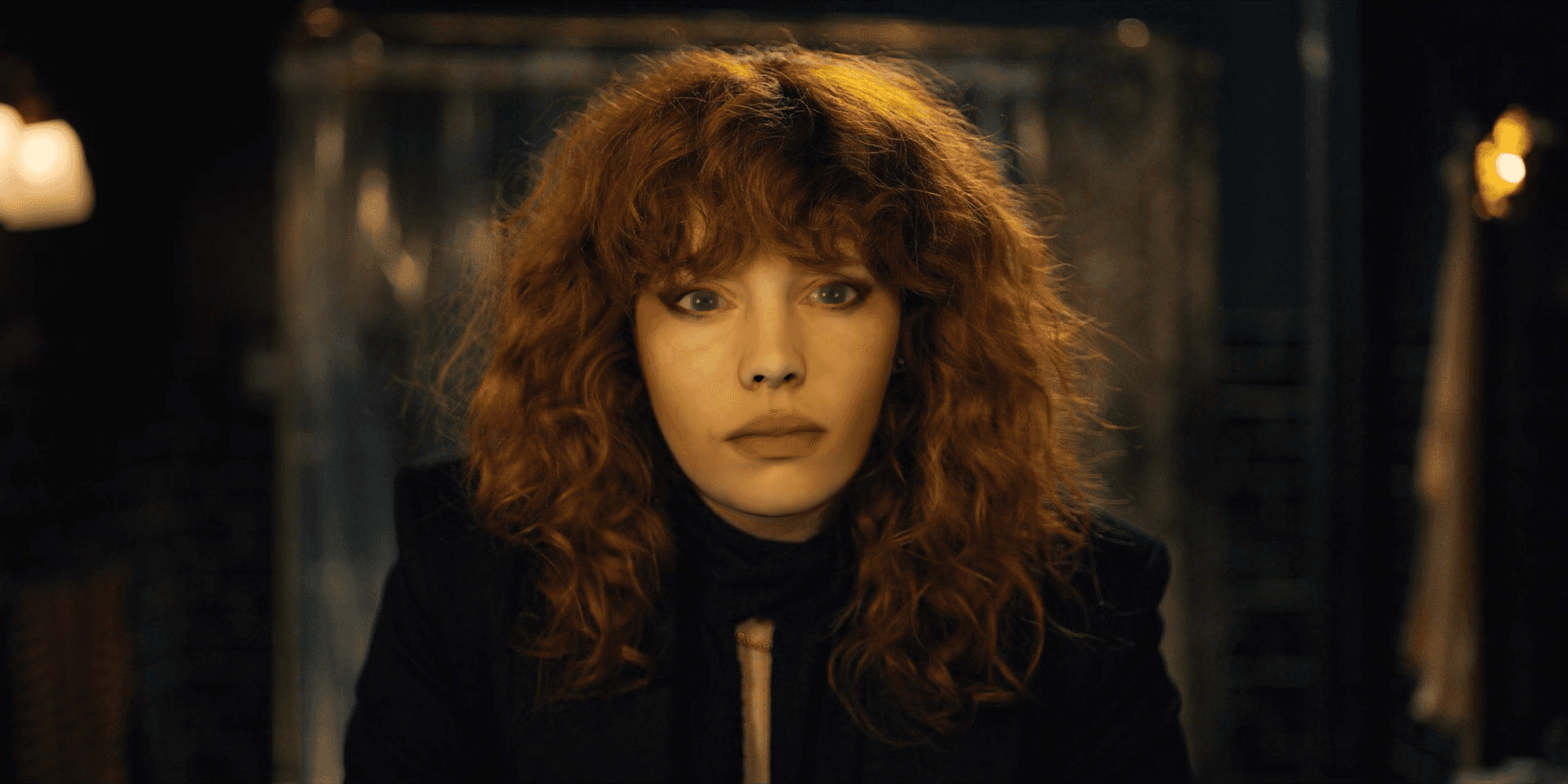
Create a realistic 3D render of a digital character (Emily) and integrate it into a 4K image from a film or TV show. The final composition should convincingly match the lighting, textures, and perspective of the original shot.
Aim
To develop skills in 3D lighting, texturing, and compositing by creating a seamless integration of a digital character into an existing high-resolution image.
Deliverables
A seamless composite of Emily's face on a chosen reference image.
Understand 🡢 Research 🡢 Ideate 🡢 Design 🡢 Deliver
Process
Understand
The problem…
Matching the lighting, textures, and perspective of an existing 4K image is technically challenging. The digital character must look like part of the original scene while retaining accurate surface details and realistic shading.
The constraints…
Software technicalities:
The final render must maintain resolution and quality to match the original 4K image.
Maya:
Lighting in Maya must match the source image exactly, and adjusting all textures on the 3D model must be done manually.
Research
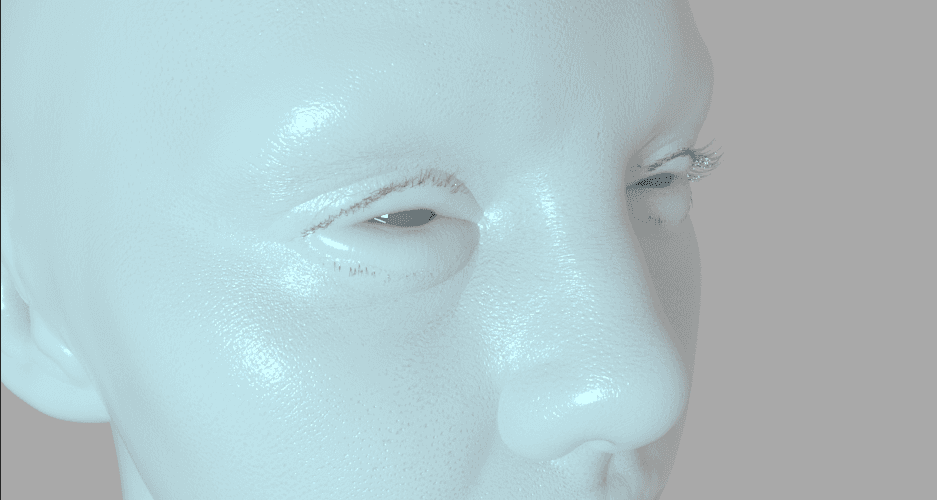
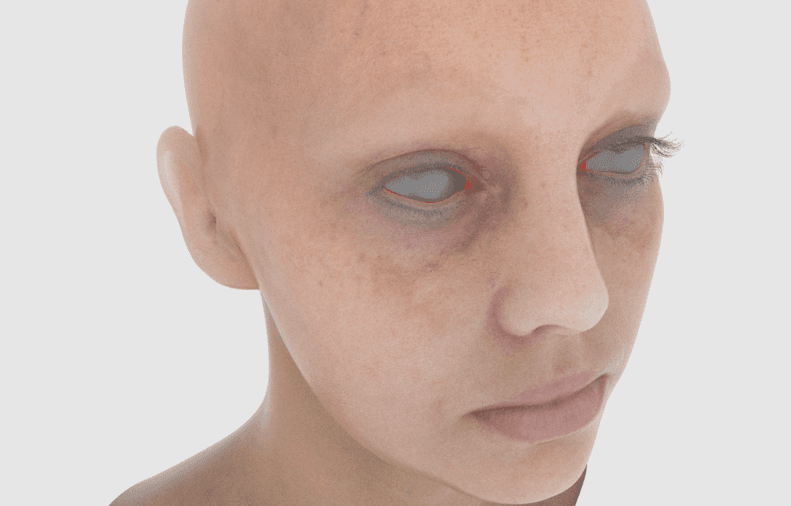
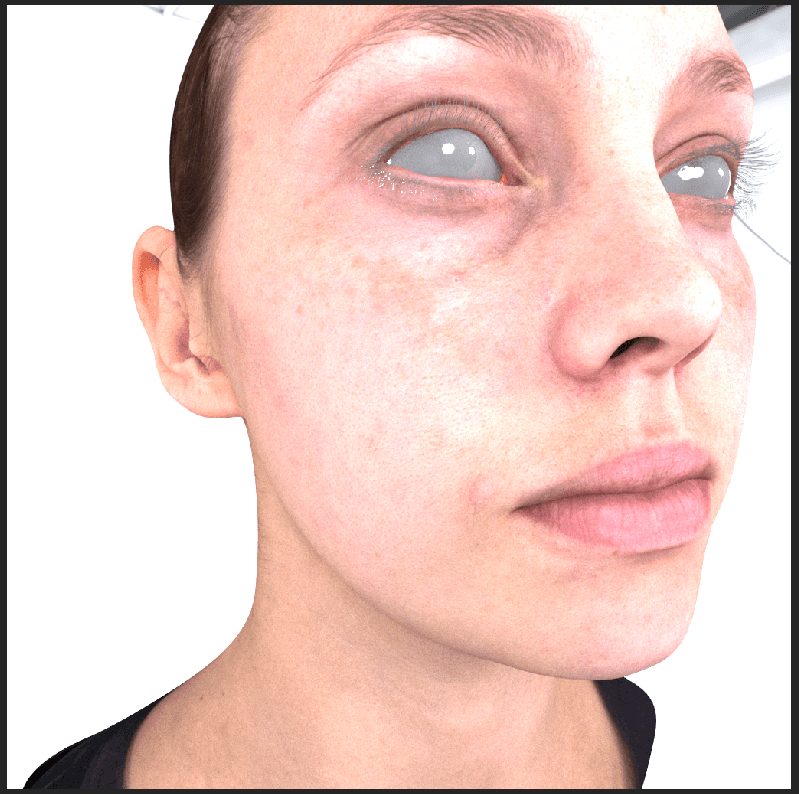
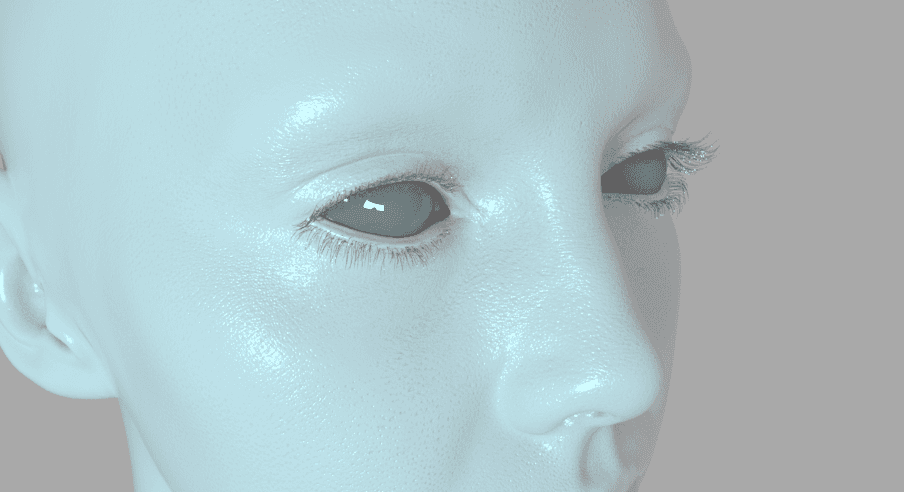
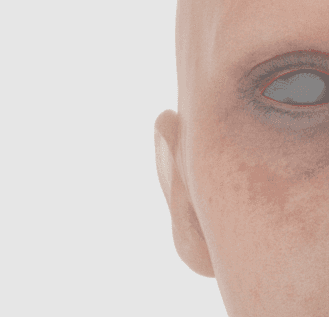
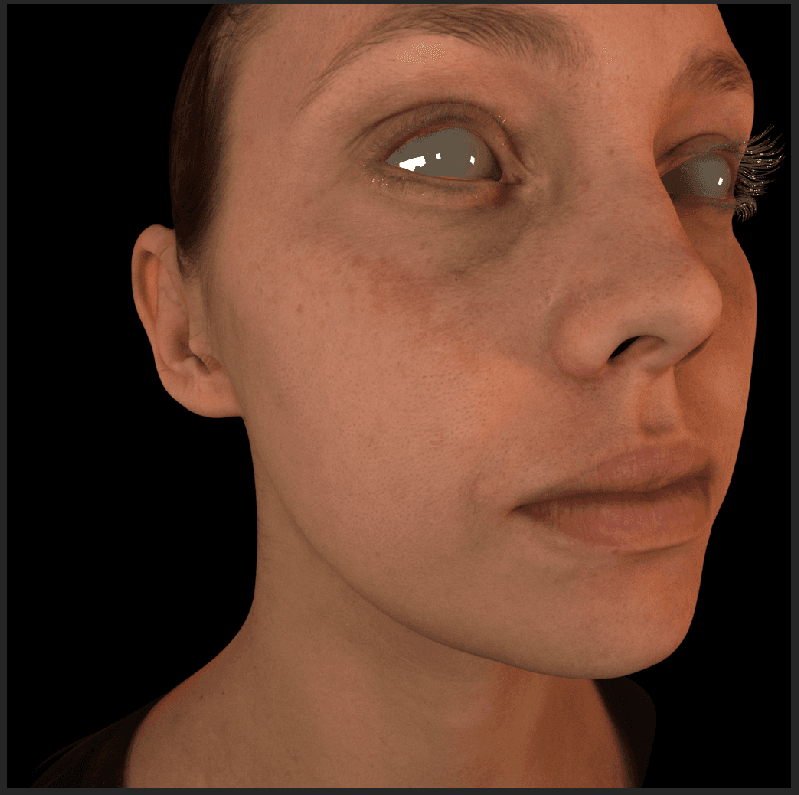
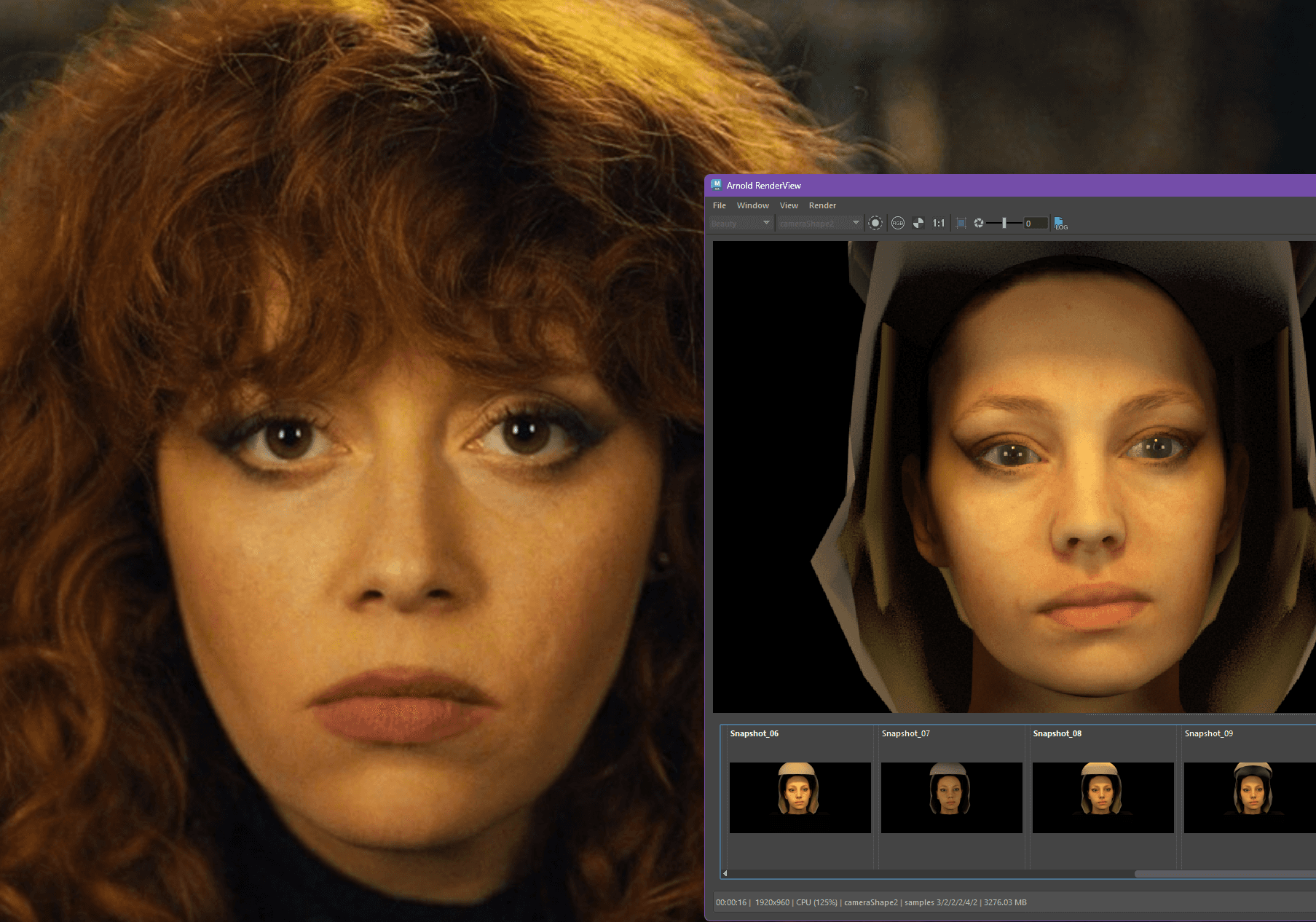
I researched Arnold in Maya to create photorealistic skin and eye textures, studying shaders, subsurface scattering, and reflections, and used photo references to guide realistic colour, translucency, and surface detail such as skin imperfections and pores.
Then, this was applied to the given Emily model.
Ideate
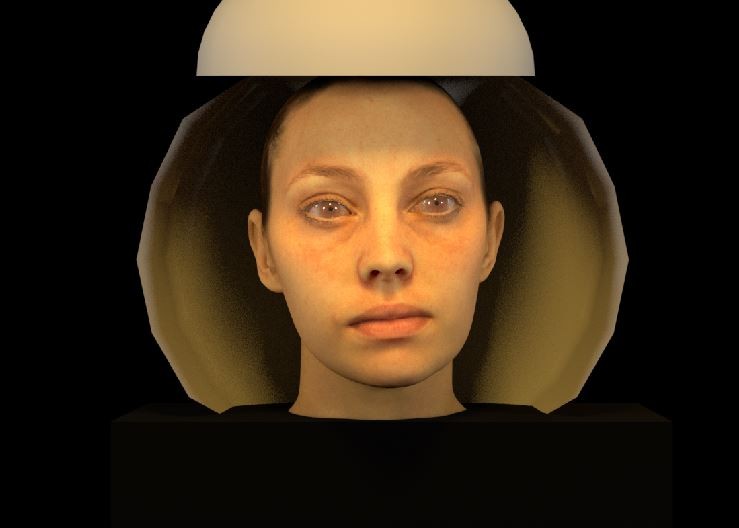
Maya lights required specific set up to match the original scene’s direction, intensity, and colour temperature.
Texture maps in Maya Arnold (diffuse, bump, specular, normal) were experimented with to enhance realism.
Maya is excellent at photorealism, letting every subtle reflection and texture feel real.
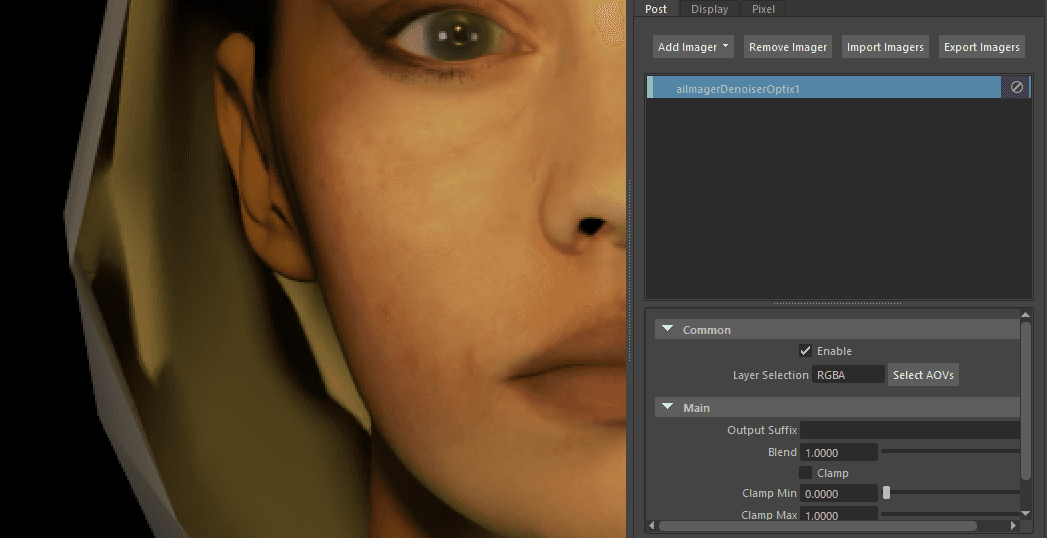
One challenge was the eyes: light hitting the lens at certain angles could reflect in almost inhuman ways.
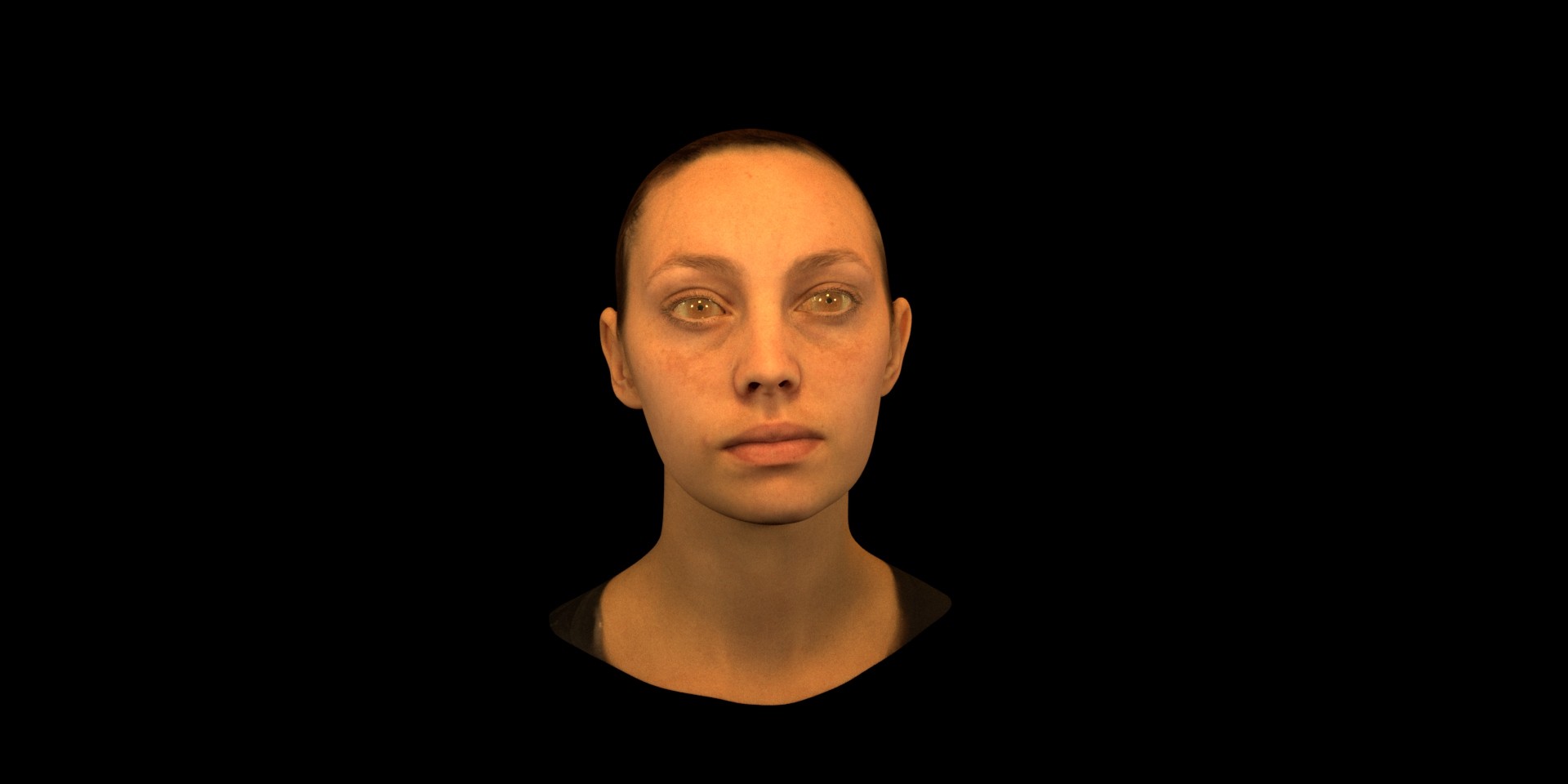
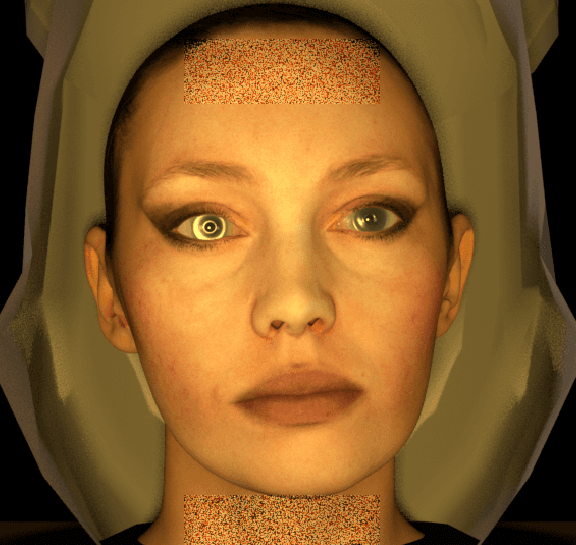
Another was the reference image: it was very yellow, so I had to adjust Emily’s skin carefully to keep her realistic without giving her jaundice.
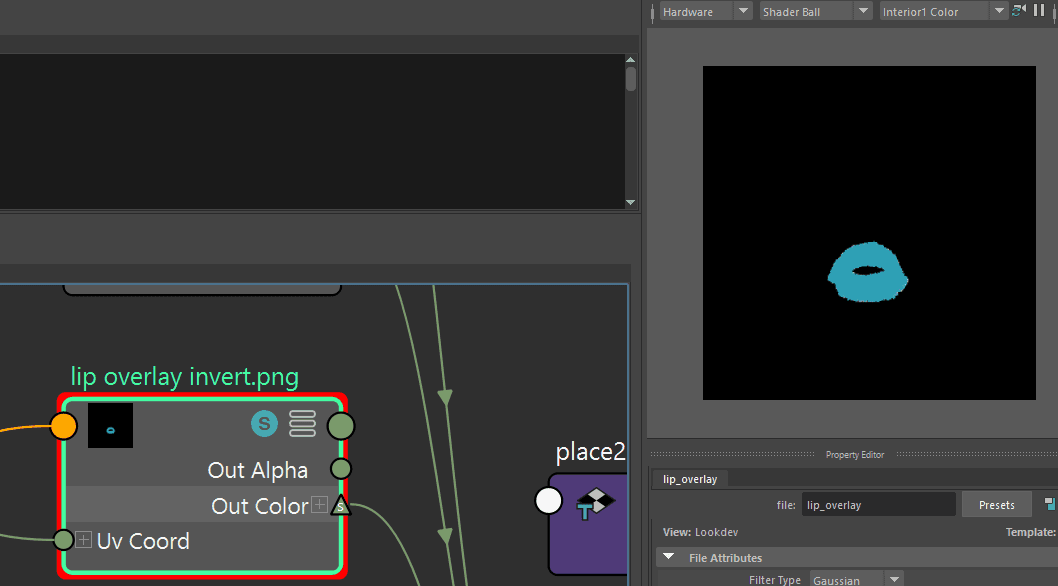
Furthermore, Emily didn't have makeup. So, I had to add new custom textures I made with her eyeshadow and lipstick.
Design
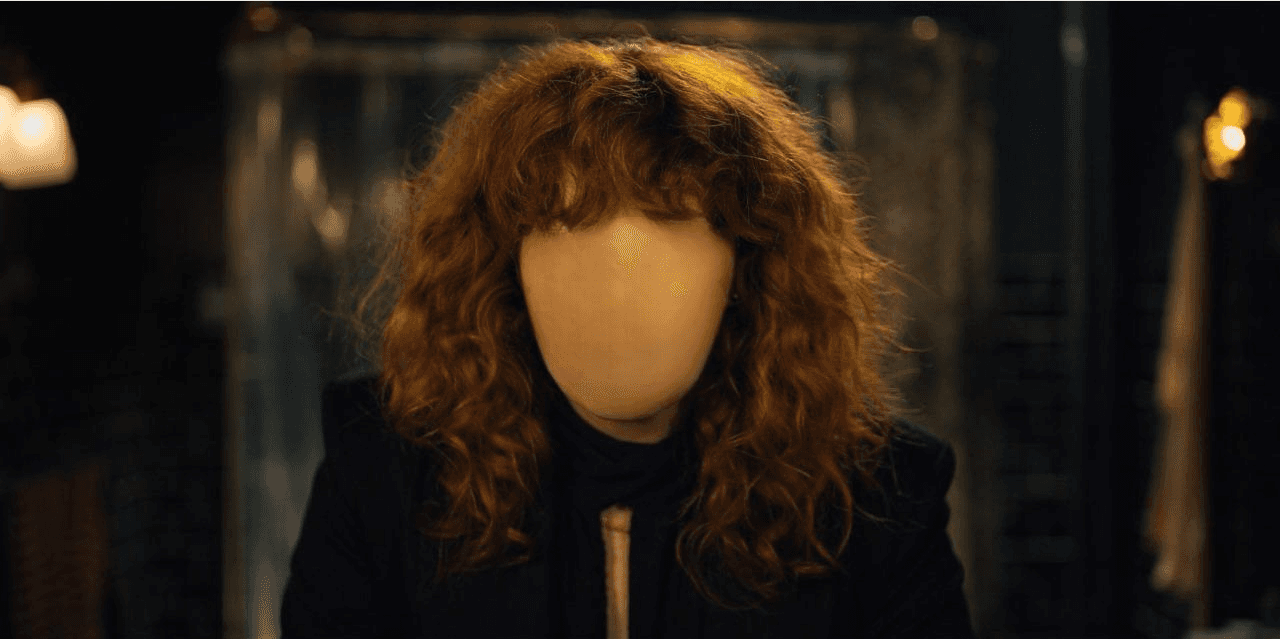
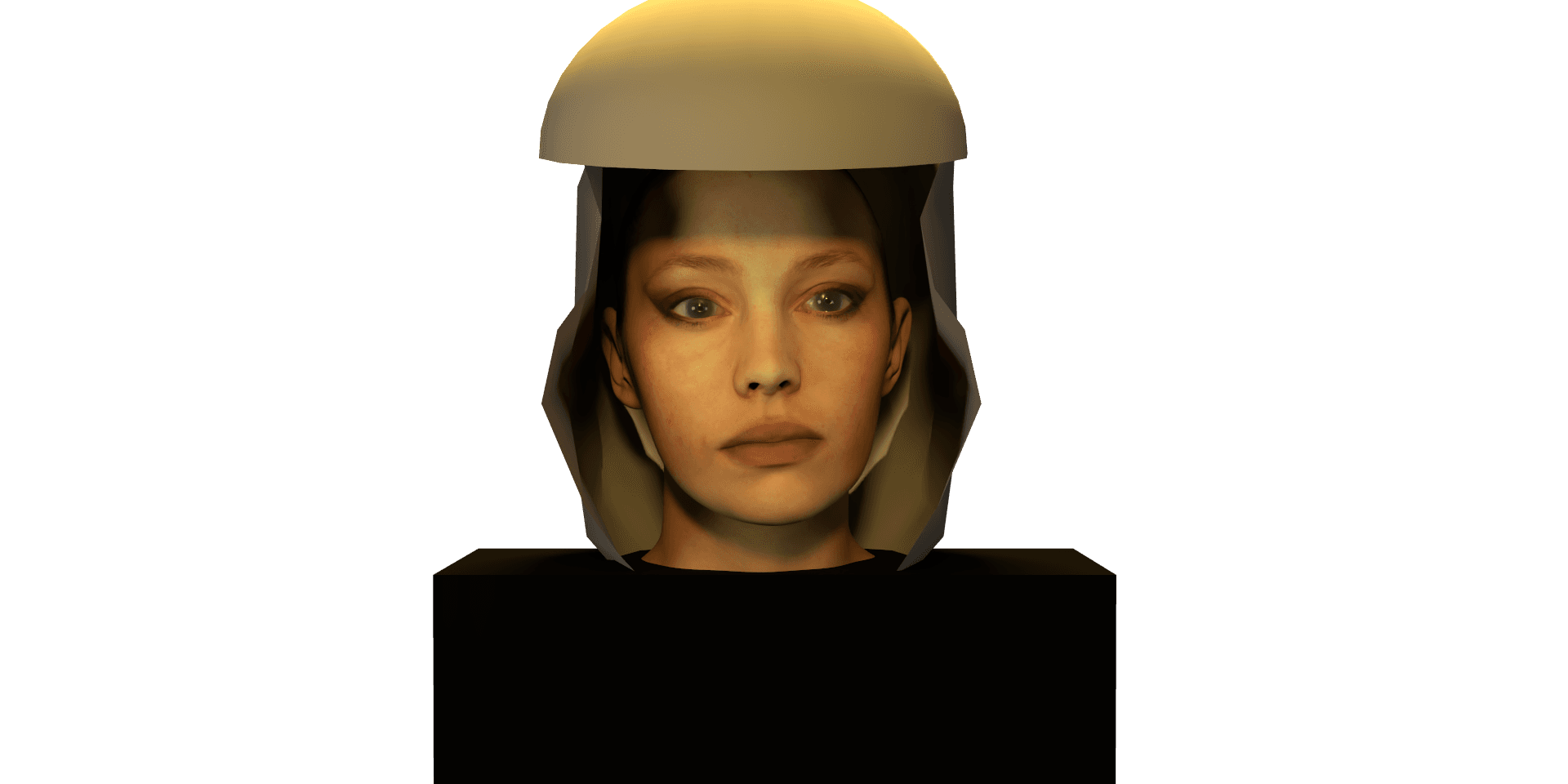
Rendered the 3D model and composited it over the 4K source image in Photoshop, adjusting shadows, highlights, and colour balance to achieve a seamless integration.
Produced a final image where the digital character convincingly occupies the same lighting environment as the original scene.
Final Deliverables
Reflection
This project taught me the importance of precision and observation in 3D lighting and compositing. Matching Emily’s lighting and textures to a HD 4K image required careful attention to detail and patience.
I learned how subtle adjustments to light, shadow, and material properties can make a digital character feel integrated into an existing scene.
The process also strengthened my skills in texturing, rendering, and Photoshop compositing, and gave me a better understanding of how 3D work translates into photorealistic results.
I do wish that I had more time to further develop my skills in Xgen within Maya to experiment with hair. Unfortunately, project time constraints prevented me from doing this.